
AI Agents Welcome: A REST API and MCP Server for This Site
August 19, 20265 min read

Adam Brauns
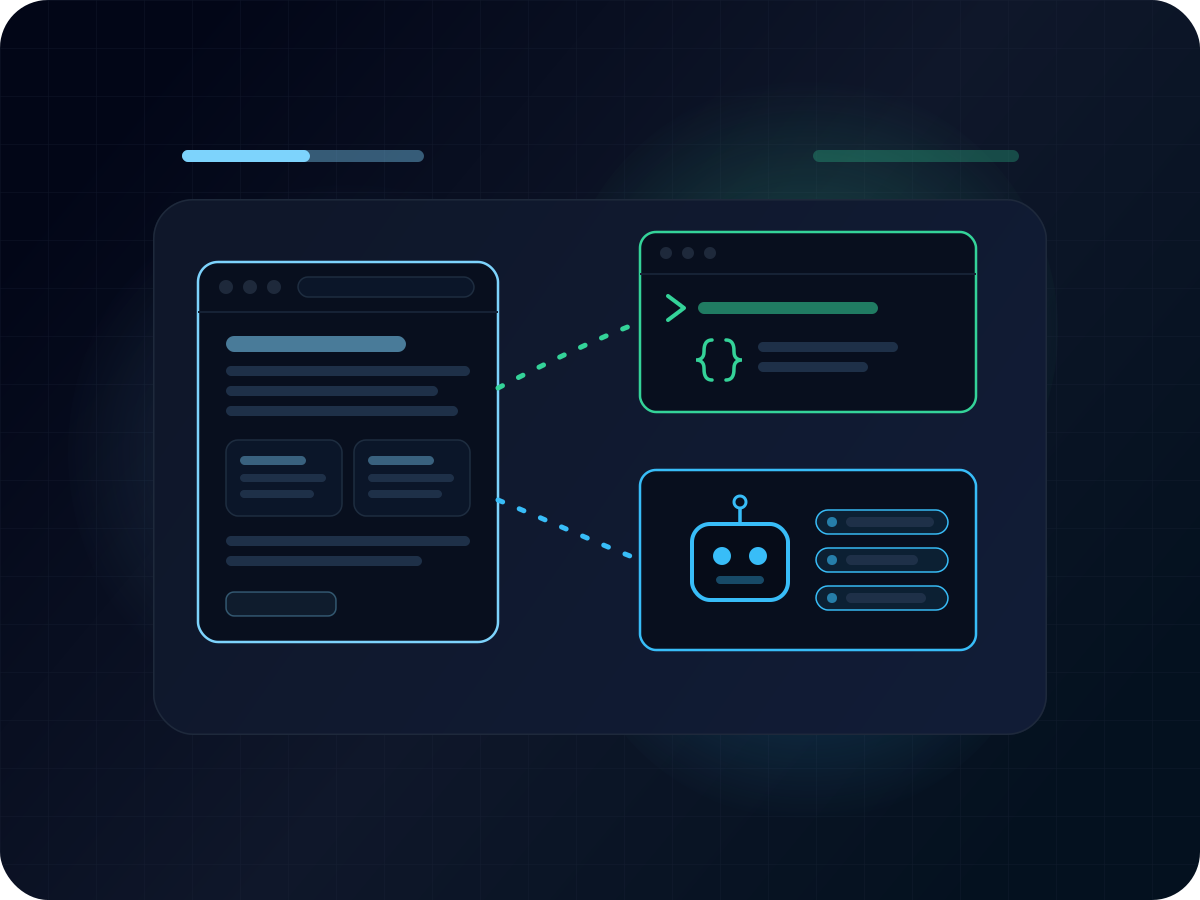
More and more, the "reader" landing on a website is not a person at all — it is an AI assistant answering a question on someone's behalf. Left to fend for itself, an agent visiting this site has to scrape HTML, guess at URL structures, and burn tokens wading through navigation chrome to find the actual content. A personal website is the one corner of the internet you fully control, so rather than making agents reverse-engineer mine, I decided to hand them the content directly.
This site has always been built for people reading it in a browser. As of this week, it is also built for everything else: every piece of content here — blog posts, portfolio projects, my resume, my profile, and my reading list — is now available through two new interfaces.
- A public REST API at
/apithat serves everything as JSON - An MCP server at
/mcpthat exposes the same content as tools, resources, and prompts for AI agents
Both are read-only and completely open — no API keys, no authentication, no signup. Point a script, a browser, or an AI agent at them and start pulling content.
The REST API
The API is a small set of read-only JSON endpoints:
| Endpoint | Returns |
|---|---|
/api/posts |
All blog posts, newest first, with slugs, excerpts, and tags |
/api/posts/{slug} |
One full post, including the rendered content and a table of contents |
/api/projects |
Portfolio projects with descriptions, tech stacks, and links |
/api/resume |
Work experience, education, certifications, languages, and technologies |
/api/profile |
Who I am — the about-page intro and highlighted strengths |
/api/books |
My reading list, grouped by year |
Trying it takes one command:
curl https://adambrauns.com/api/posts
An OpenAPI spec describes every endpoint and response shape, and an interactive API reference built on it lets you browse the schemas and fire requests straight from the browser.
Responses are cached for five minutes at the edge, which is plenty fresh for content that changes when I publish something.
The MCP server
MCP (Model Context Protocol) is an open standard for connecting AI assistants to external data and tools. Instead of an agent guessing at URL structures or parsing HTML, an MCP server tells the client exactly what it offers — typed tools with schemas, addressable resources, and reusable prompts — and the client calls them like functions.
This site's server lives at https://adambrauns.com/mcp over streamable HTTP. Any MCP client that speaks streamable HTTP can point at that endpoint. Here's how to connect a few popular ones:
Claude Code — connecting is a one-liner:
claude mcp add --transport http adambrauns https://adambrauns.com/mcp
Codex CLI — a one-liner, same as Claude Code:
codex mcp add adambrauns --url https://adambrauns.com/mcp
Cursor — add the server to ~/.cursor/mcp.json (or a project's .cursor/mcp.json):
{
  "mcpServers": {
    "adambrauns": {
      "url": "https://adambrauns.com/mcp"
    }
  }
}
VS Code / GitHub Copilot — add it to .vscode/mcp.json in a workspace:
{
  "servers": {
    "adambrauns": {
      "type": "http",
      "url": "https://adambrauns.com/mcp"
    }
  }
}
ChatGPT — on a paid plan, enable developer mode (Settings → Apps → Advanced settings), then add a custom connector pointing at the URL with no authentication.
Claude on web or desktop — Settings → Connectors → Add custom connector, and paste the URL.
Tools
The tools mirror the REST API and return structured JSON with full output schemas, so clients know the shape of every response before calling:
| Tool | What it does |
|---|---|
list_posts |
List all blog posts, newest first, with slugs |
get_post |
Fetch one post by slug, with full content and a table of contents |
get_projects |
List portfolio projects |
get_resume |
Fetch my resume |
get_profile |
Fetch my profile and highlighted strengths |
get_books |
Fetch my reading list |
Every tool is annotated as read-only, so well-behaved clients know nothing here mutates anything.
Resources
The same content is also exposed as MCP resources under adambrauns:// URIs — adambrauns://resume, adambrauns://profile, adambrauns://projects, adambrauns://reading-list, and adambrauns://posts/{slug}. Where the tools return JSON for programmatic use, the resources render as markdown, which reads naturally as prose when attached to a context window. Post slugs even autocomplete: the resource template completes adambrauns://posts/ against the published posts.
A prompt, too
The server ships one prompt, introduce_adam, which walks a client through gathering my profile, resume, projects, and posts and writing a grounded introduction from them. It is a small thing, but it demos exactly what a personal MCP server is good at: ask your assistant to run it, and you get an introduction built only from what the server provides.
Try it
The API
Grab the post you are reading right now, as JSON:
curl https://adambrauns.com/api/posts/rest-api-and-mcp-server
The MCP server
Connect Claude Code to the MCP server:
claude mcp add --transport http adambrauns https://adambrauns.com/mcp
Then ask your assistant things like:
- "What has Adam written about lately?" — and watch it call
list_postsinstead of scraping HTML - "What does Adam do for work?" — answered straight from
get_resume - "What kind of projects has Adam built?" — pulled from
get_projects - "What has Adam been reading this year?" — served by
get_books - Or run the
introduce_adamprompt and get a full introduction grounded in everything above
Final thoughts
None of this changes anything about reading the site in a browser. What it changes is who — or what — the site can serve. Extending structured access to agents feels like the natural next step: the same content, three interfaces.
If you build something against the API or wire the MCP server into an agent, I would genuinely love to hear about it.